

You know how creating engaging video content can be time-consuming and technically challenging. Whether you’re a content creator, marketer, or small business owner, finding the right tools to streamline your video production process is essential. This article introduces nine innovative video creation platforms designed to help you save time, enhance your content quality, and increase your productivity. By choosing the right platform, you can focus more on your message and less on the technical hurdles, ultimately growing your brand and audience more efficiently.
Top Picks
- Best Overall: Taja – $59
- Best for Screen Recording and Editing: ScreenToVideo – $59
- Best AI Content Repurposing: Alphana – $69
How We Selected These Video Creation Platforms
We focused on platforms that offer a combination of ease of use, powerful features, and affordability. Each tool was evaluated based on its ability to automate or simplify video creation tasks, such as editing, repurposing content, AI integration, and multi-platform optimization. We also considered user feedback, platform reliability, and support quality to ensure you get a solution that truly boosts your productivity.
Taja
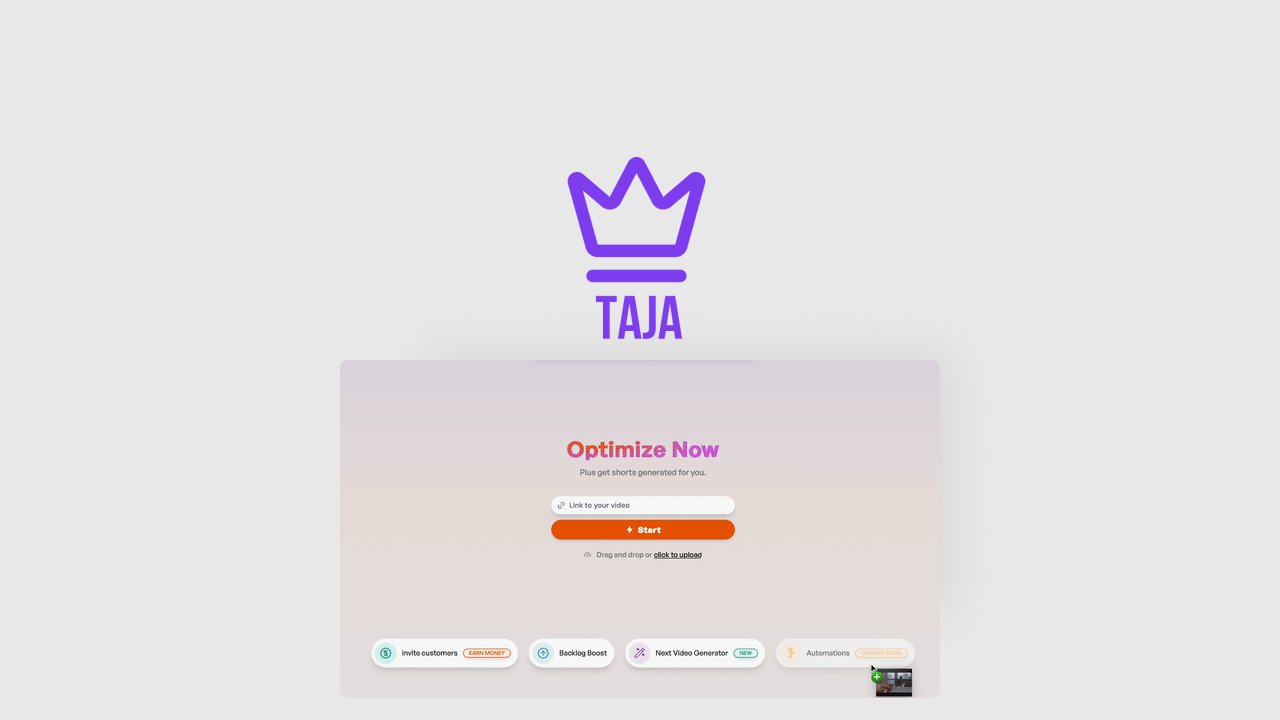
Creating video content for every platform can feel like an endless loop of edits and resizes. It’s like trying to solve a puzzle where the last piece never quite fits. But with Taja, you can take one long-form video and turn it into perfectly optimized clips and posts tailored for each platform. Whether you’re an online coach, a real estate agent, or running a small business, Taja helps you save time by automating the creation, optimization, and scheduling of your video content. It’s a handy tool for everyday content needs and those special campaigns when you want to get your message out without the usual hassle.
What People Say
Users appreciate how Taja simplifies video content creation, especially praising its AI-driven suggestions and SEO optimization. Many mention it’s a real time saver that helps maintain a professional look across platforms without the usual stress.
- Taja is easy to use, extremely useful, and just all around great. The suggestions that are generated, the short videos, etc. are spot on and real time savers. Definitely worth it. This may be the best purchase I’ve made on AppSumo.– dbeeksma
- Let me share my experience with Taja AI – it’s genuinely transformed my YouTube workflow. Once I upload my video, Taja automatically generates professional thumbnails for split testing, creates engaging titles, and handles all the SEO heavy lifting. It’s saved me countless hours and helps me create more content while spending less time on technical details.– Sammtimes
Usability
| Aspect | Ease Level | Notes |
|---|---|---|
| User Interface | Easy | Clean and intuitive, even if you’re not tech-savvy. |
| Video Uploading | Moderate | Some users wish for minute-based upload limits instead of video count. |
| Content Scheduling | Easy | Scheduling posts across platforms is straightforward and reliable. |
| AI Suggestions | Easy | Helpful and accurate, though occasional tweaks might be needed. |
Integration Capabilities
| Software | Integration Quality |
|---|---|
| YouTube | Seamless – auto thumbnail, title, and SEO optimization |
| Smooth scheduling and posting | |
| Good support for short clips and posts | |
| TikTok | Basic integration with scheduling features |
Security Features
| Feature | Protection Level |
|---|---|
| GDPR Compliance | High – respects user data privacy |
| Secure Video Storage | Robust encryption to keep your content safe |
| User Access Controls | Customizable permissions for team members |
Why You’ll Love It
- Automatically create platform-specific video shorts and posts from one long-form video
- Optimize, schedule, and publish content effortlessly across multiple platforms
- Save hours on post-production with AI-powered SEO and thumbnail generation
- Keep your content consistent and professional without extra effort
Current Price: $59
Rating: 4.69 (total: 159+)
ScreenToVideo
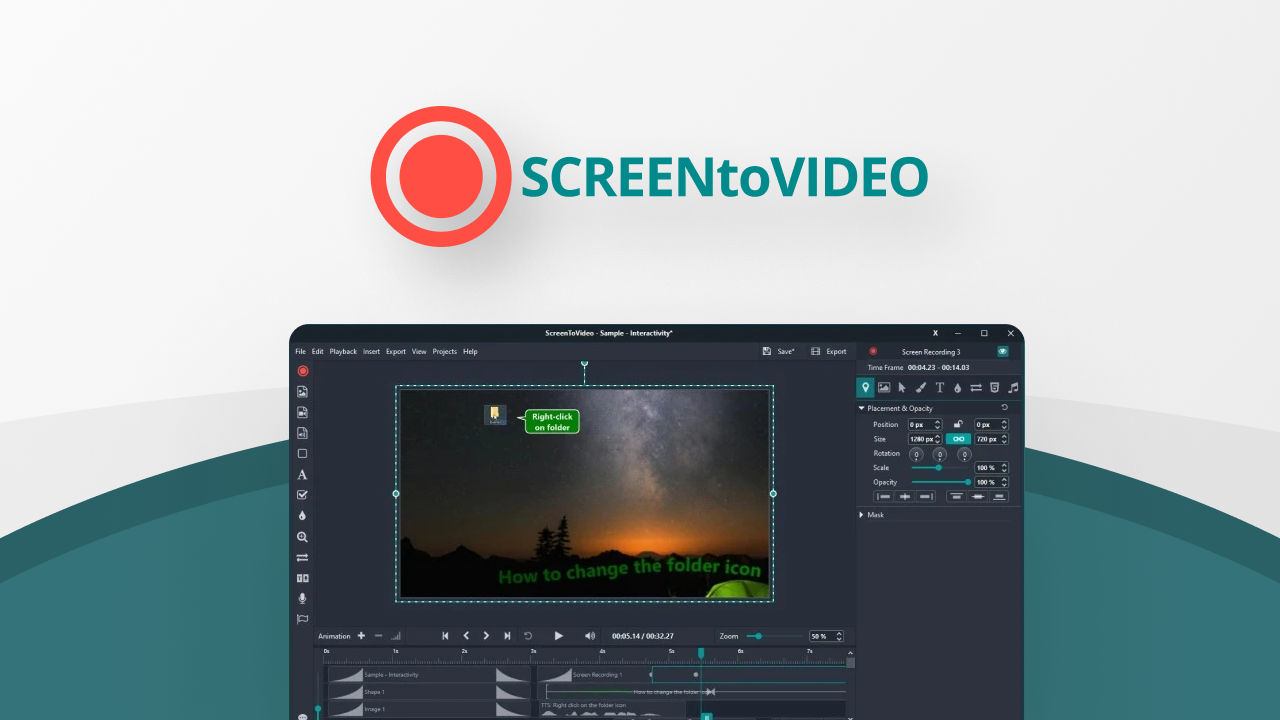
If you’re looking for a straightforward way to record, edit, and share videos without jumping between multiple apps, ScreenToVideo might be just what you need. It’s got a clean interface that lets you capture your screen, webcam, or even just a part of your display with a click. What’s cool is how you can add voice, system sounds, and even draw directly on your screen to highlight points or create quick animations. Whether you’re making tutorials, presentations, or quick explainer videos, it covers the basics and then some. Plus, exporting your work in popular formats like MP4 or GIF is hassle-free, and sharing via Google Drive is built right in. It’s a solid pick for content creators, educators, or small business owners who want a reliable all-in-one tool without a steep learning curve.
What People Say
Users appreciate how ScreenToVideo combines recording and editing in one place, making it easy to create polished tutorials and presentations. Many highlight the helpful tutorials and the ability to speed up rendering with hardware acceleration.
- I’ve used a few screen recording solutions and was careful to get one that looked like it gave me all I needed for good tutorial production. ScreenToVideo does an excellent job with all the tools you could need. The short ‘how to’ videos on the website are also very helpful and get you going really quickly. While I am still learning, I am very impressed and pleased with the purchase and have already recorded, edited and produced some videos. UPDATE: I missed an option to go from software rendering to hardware rendering! Once I selected hardware rendering, it rendered really fast… so this is definitely a 5 rating. Really enjoying using it – and, because you can record just your webcam, I am even using it to do direct videos without screen recording when I turn the quality up to 100%. Great product.– info3136C
- It’s not just a simple screen recorder, you can also edit files. Separate sound recording, apply blur on your screen and you can also record the mouse for presentations. 5 Tacos for this great app!– sormick
Usability
| Aspect | Ease Level | Notes |
|---|---|---|
| User Interface | Easy | Clean and intuitive, so you can jump right in without feeling overwhelmed. |
| Recording Features | Easy | Flexible options to capture your screen, webcam, or both. |
| Editing Tools | Moderate | Lots of features, but some users might need a bit of time to explore all options. |
| Exporting | Easy | Supports multiple formats and quick sharing through Google Drive. |
| Rendering Speed | Moderate | Can be slow by default, but switching to hardware rendering speeds things up considerably. |
Integration Capabilities
| Software | Integration Quality |
|---|---|
| Google Drive | Smooth – upload and share videos directly from the app |
| Google Text-To-Speech | Built-in for adding voiceovers easily |
| Windows OS | Fully compatible with native Windows features |
Security Features
| Feature | Protection Level |
|---|---|
| GDPR Compliance | High – respects your data privacy |
| Local Video Storage | Your videos stay on your device unless you choose to upload |
| Secure Sharing | Google Drive sharing uses standard encryption |
Why You’ll Like It
- Record your screen, webcam, or a selected area with ease
- Edit videos right inside the app with tools like text, effects, and audio adjustments
- Draw on your screen to highlight or explain points during recording
- Export in multiple formats including MP4, GIF, and MP3 for flexibility
- Upload and share videos directly through Google Drive
Current Price: $59
Rating: 4.83 (total: 101+)
Alphana
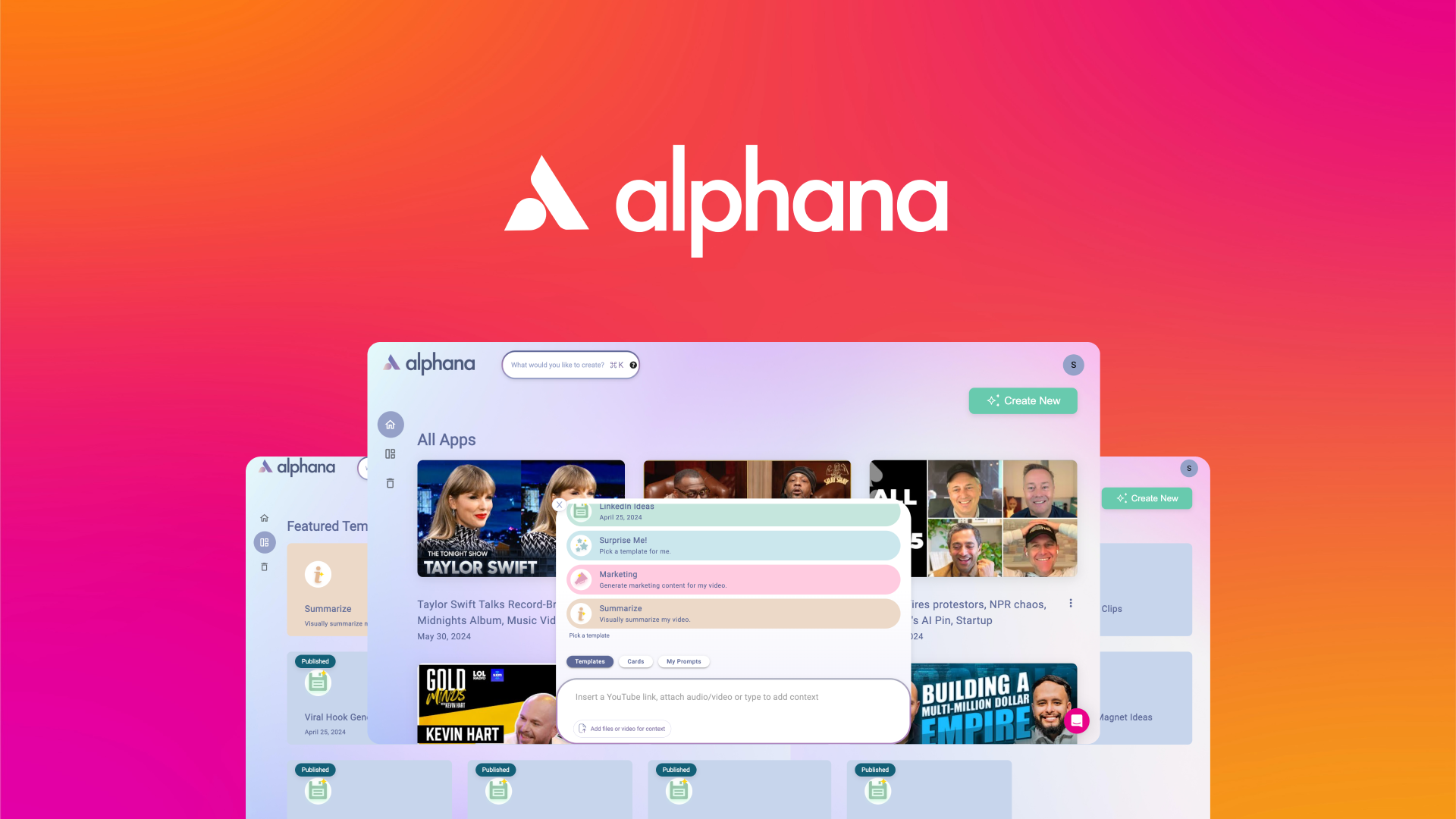
Trying to keep up with video content and social posts can feel like a full-time job, especially when you want to make the most out of every clip. Alphana steps in as your AI-powered sidekick, turning any video or podcast into over 30 different pieces of content with just a few clicks. Whether you’re a marketer, podcaster, or YouTuber, it helps you save hours by automating everything from LinkedIn posts to short clips and blog ideas. It’s like having a content manager that never sleeps, so you can focus on creating instead of repurposing.
What People Say
Users love how Alphana cuts down the time spent on content repurposing and appreciate the quality of the AI-generated posts and clips. The training and support make it easy to get started and keep improving your content game.
- The templates alone save hours a week of work. Highly recommend you add this to your business arsenal. Video clips, sales page copy, image ideas with AI, blog posts, social media posts AND… long tailed SEO keywords. OMGosh … it’s my AI tool come true.– NG
- Once you get started and realise how easy it is to get not only lots of content, but most importantly lots of great quality content from your videos or someone else’s, you’ll be totally in love with this software! The training is awesome – there’s a weekly hands on welcome to Alphana intro webinar and a deep dive webinar every week as well. There’s constantly new things being rolled out and the support is awesome, but the bottom line is JUST BUY IT – your sanity will thank you because you won’t be pouring endless hours into content creation anymore!– nicki08
Usability
| Aspect | Ease Level | Notes |
|---|---|---|
| User Interface | Easy | Clean and straightforward, so you can jump right in without confusion. |
| Content Generation | Easy | AI cards make creating multiple content types quick and simple. |
| Training & Support | Easy | Weekly webinars and responsive support help you get the most out of it. |
| Customization | Moderate | Offers plenty of options to tweak content, but might take some exploring. |
| Integration | Moderate | Works well with popular platforms, though setup may require a few steps. |
Integration Capabilities
| Software | Integration Quality |
|---|---|
| Smooth – easily schedule and post content directly | |
| YouTube | Good – pulls video content for repurposing seamlessly |
| WordPress | Moderate – supports blog post exports with some setup |
Security Features
| Feature | Protection Level |
|---|---|
| GDPR Compliance | High – keeps your data safe and private |
| Secure Cloud Storage | Encrypted storage to protect your content |
| User Access Controls | Manage who can view or edit your projects |
Why You’ll Like It
- Turn any video or podcast into 30+ pieces of engaging content
- Automate your content creation for social posts, blogs, and clips with AI
- Save hours by repurposing content effortlessly
- Access helpful weekly training webinars to get the most out of the tool
- Get ongoing updates and support to keep improving your workflow
Current Price: $69
Rating: 4.85 (total: 100+)
Animazer
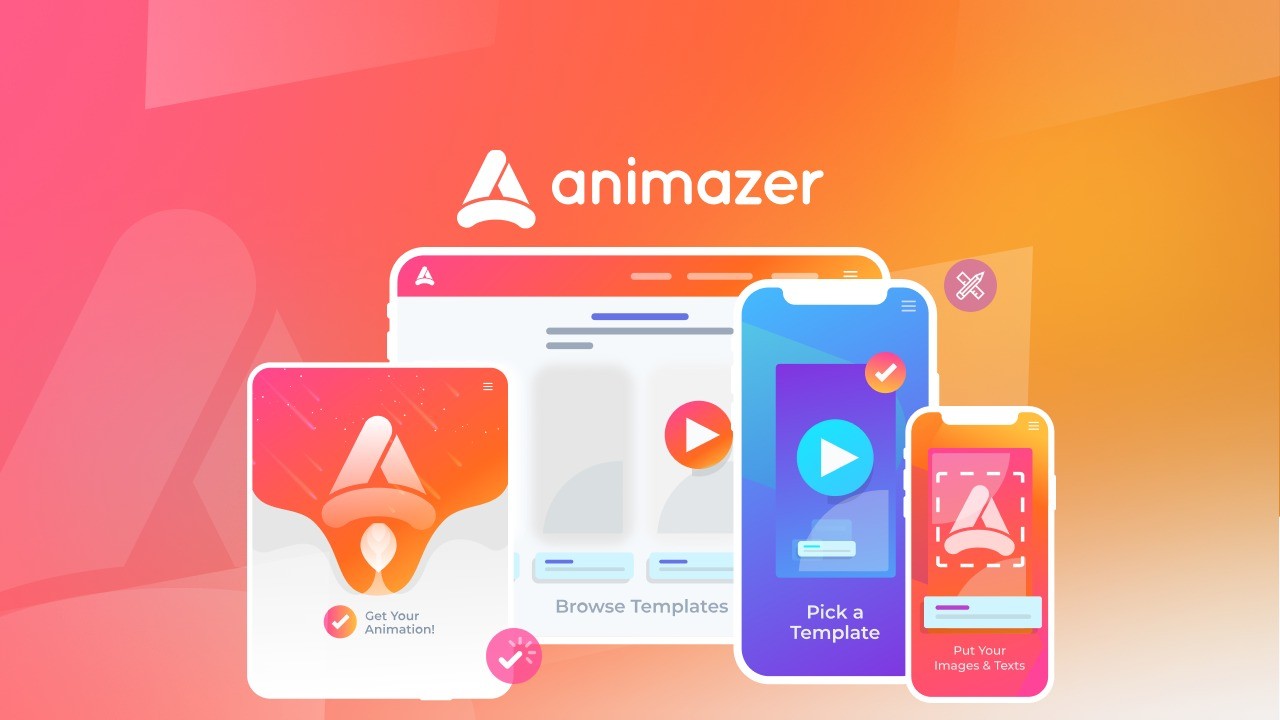
If you’ve ever felt stuck trying to create eye-catching intros or outros for your videos without spending a fortune, Animazer might just be the tool you need. It’s designed to help busy creators and small business owners whip up professional-looking animated promos quickly, thanks to a huge library of templates and soundtracks made by top motion designers. Whether you’re putting together a quick social media ad or a polished brand video, Animazer keeps things simple and affordable, so you can focus more on your message and less on complicated editing.
What People Say
Users appreciate how easy it is to produce polished videos without any design background. Many highlight the quick turnaround time and the quality of the animations, making it a solid choice for podcasters and marketers alike.
- I recently tried Animazer and was impressed by its simplicity and the high-quality animations it produces. The user-friendly interface made creating engaging videos a breeze, and the professional results exceeded my expectations. It’s a fantastic tool for anyone looking to enhance their content effortlessly.– DrLM
- I made my first outro for my podcast in 25 seconds, and then 3 min for rendering. My mouth dropped at the results. I am not an artist at all, and this made me feel like I could see something in my mind actualized. For someone that is new to podcasting this is great to be able to build an outro and intro quick and easy, as this is something many podcasters struggle with, and yet critical for production. All you need to do is upload your assets when asked, make changes to the template, and then click submit.– ben535
Usability
| Aspect | Ease Level | Notes |
|---|---|---|
| User Interface | Easy | Clean and intuitive, so you can start creating without a steep learning curve. |
| Template Customization | Easy | Simple drag-and-drop edits make tweaking templates straightforward. |
| Rendering Speed | Moderate | Rendering takes a few minutes but delivers high-quality output. |
| Learning Curve | Easy | No prior animation experience needed, perfect for beginners. |
| Support | Moderate | Responsive team, though some features could use more tutorials. |
Integration Capabilities
| Software | Integration Quality |
|---|---|
| YouTube | Good – easy to export and upload videos directly |
| Social Media Platforms | Moderate – exports compatible with all major platforms |
| Video Editors | Basic – exports standard video files for further editing |
Security Features
| Feature | Protection Level |
|---|---|
| GDPR Compliance | High – ensures your data is handled responsibly |
| Secure Cloud Storage | Encrypted storage protects your projects |
| User Authentication | Standard login security to keep your account safe |
Why You’ll Like It
- Create professional animated intros and outros in minutes
- Access hundreds of templates and premium soundtracks
- No design skills needed—just customize and export
- Affordable pricing with lifetime deals available
- Perfect for content creators, small businesses, and ecommerce
Current Price: $25
Rating: 4.55 (total: 42+)
Reap

If you’re tired of spending hours chopping up long videos just to get a few social media-ready clips, Reap could be a real time saver. It uses AI to automatically find the best moments in your footage and turns them into short, captioned videos that are ready to share. Whether you’re managing content for clients or just want to boost your own social presence, this tool helps you skip the tedious parts and focus on what matters. Plus, it supports captions in over 68 languages and lets you schedule posts across platforms, which is a neat bonus when you’re juggling multiple accounts.
What People Say
Users appreciate how Reap takes the hassle out of video editing by quickly creating shareable clips with professional captions. Many highlight the helpful customer support and the AI’s ability to find the best moments, making it a solid choice for busy creators.
- The customer service is prompt and polite. They have a good selection of captions that look professional. In a 5-minute video, I got 6 shorts, which is nice to choose from. Overall, it seems to be a service that takes things seriously, and I’m happy with my purchase!– cosmin01
- Really impressed with the team. Had questions and found bugs, and the team is exceptionally quick to reply and help. Product is solid – really really good job at finding the right highlights – especially if you direct the Ai. Highly recommended– convenienthospitality
Usability
| Aspect | Ease Level | Notes |
|---|---|---|
| User Interface | Moderate | Mostly straightforward but can feel a bit slow or unresponsive at times, especially when editing captions. |
| Caption Editing | Moderate | Good caption options, but fixing errors can be a bit clunky currently. |
| Video Clipping | Easy | AI does a solid job picking highlights, saving you from manual scrubbing. |
| Learning Curve | Easy | No complicated tools to learn, mostly point and click. |
| Support | Easy | Responsive and helpful team ready to assist with issues. |
Integration Capabilities
| Software | Integration Quality |
|---|---|
| YouTube | Good – easy to export clips and upload directly |
| Moderate – supports scheduling but with some limitations | |
| Moderate – exports compatible, scheduling available | |
| TikTok | Basic – manual upload required |
Security Features
| Feature | Protection Level |
|---|---|
| Data Encryption | High – protects your video content and personal info |
| User Authentication | Standard login security to keep your account safe |
| GDPR Compliance | Ensures responsible handling of your data |
Why You’ll Like It
- Automatically turn long videos into social-ready shorts with AI
- Generate animated captions in 68+ languages
- Schedule and publish clips across multiple social platforms
- Save hours on manual video editing and clipping
- Ideal for influencers, social media managers, and videographers
Current Price: $69
Rating: 4.52 (total: 31+)
AWZ Screen Recorder
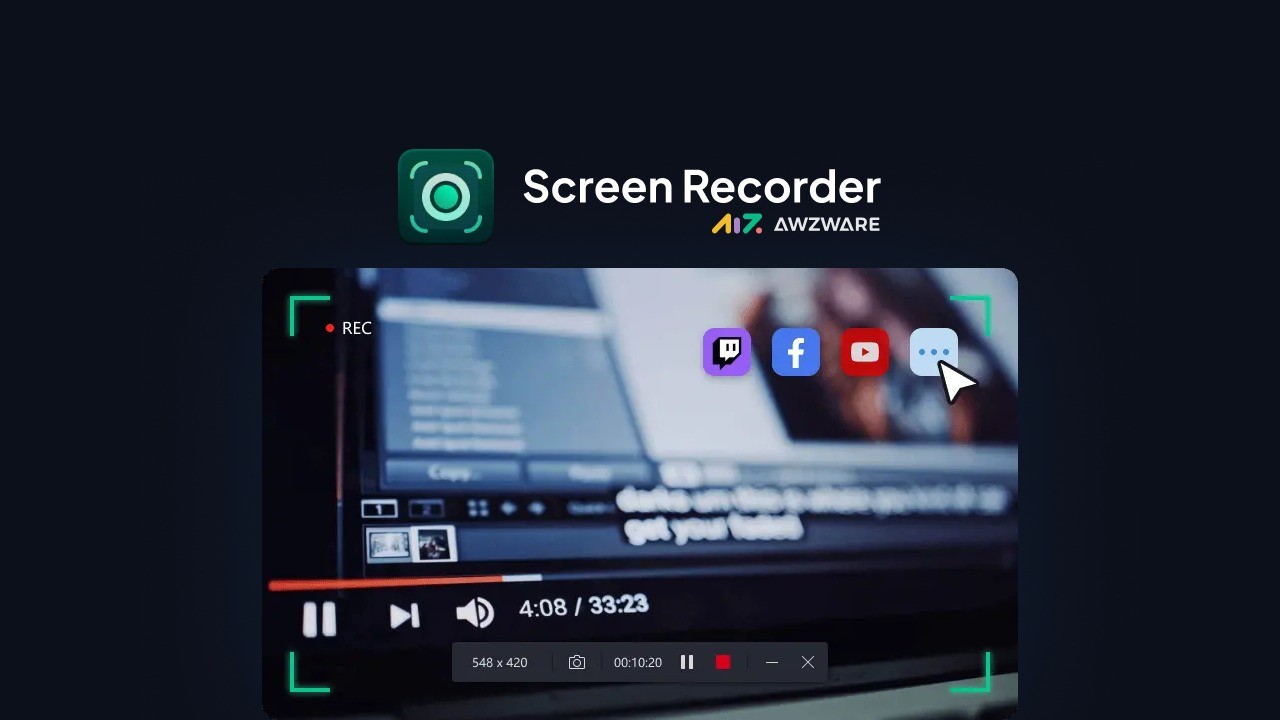
If you need a straightforward screen recorder for Windows that just works without all the extra fluff, AWZ Screen Recorder might be what you’re looking for. It covers all the basics like recording your screen, webcam, and audio, which makes it great for everything from online meetings and courses to gameplays and YouTube videos. Plus, it has a simple built-in editor so you can quickly annotate your recordings without jumping between apps. It’s lightweight and doesn’t hog your system resources, so you can keep working smoothly while capturing your screen. Whether you’re a blogger, educator, or content creator, it’s a handy tool to have around for everyday video tasks.
What People Say
Users appreciate how AWZ Screen Recorder keeps things simple and reliable. Many mention the smooth performance without system slowdowns and the convenience of having basic editing tools built right in. It’s especially popular among content creators who want a no-fuss way to capture and share their screen activities.
- I needed something reliable for screen recording without bloated software or lag and this delivers exactly that. It’s lightweight, intuitive, and works well. The recording quality is good and switching between screen, webcam, and audio is easy. The built-in editing tools are a great bonus and save me time. Best of all, it runs smoothly without draining system resources.– T_J_Steiner
- Can’t believe that this app is so simple and easy to use. Highly recommended. If you are looking for a screen recorder look no further, I was skeptical at first with some reviews but I am glad I bought this app.– 100850522414120494241
Usability
| Aspect | Ease Level | Notes |
|---|---|---|
| User Interface | Easy | Clean and intuitive, so you can start recording quickly without digging through menus. |
| Recording Setup | Easy | Switch between screen, webcam, and audio capture with just a few clicks. |
| Editing Tools | Moderate | Basic but useful for quick annotations and trimming without leaving the app. |
| Performance | Easy | Runs smoothly without slowing down your computer, even during gameplay. |
| Learning Curve | Easy | No complicated features to learn, perfect if you want something straightforward. |
Integration Capabilities
| Software | Integration Quality |
|---|---|
| YouTube | Good – direct sharing makes uploading quick and hassle-free |
| TikTok | Good – easy export to share your clips on the platform |
| Vimeo | Moderate – supports video sharing but requires manual upload |
| Windows OS | Excellent – fully compatible with Windows 7 through 11 |
Security Features
| Feature | Protection Level |
|---|---|
| Account Device Binding | Standard – license tied to specific devices to prevent misuse |
| User Authentication | Basic login security to protect your account |
| Support for License Management | Limited – device switching requires contacting support within six months |
Why You’ll Like It
- Capture screen, webcam, and microphone audio seamlessly
- Record gameplay highlights in 2D and 3D without lag
- Built-in video editor for quick annotations and edits
- Lightweight and easy to use with minimal setup
- Share videos directly to YouTube, TikTok, and Vimeo
Current Price: $9
Rating: 3.07 (total: 15+)
Kubrix AI

If you’re looking to turn your text ideas into videos without wrestling with complicated editing software, Kubrix AI aims to be your shortcut. It promises to help you create viral, engaging videos in minutes by using AI to handle storytelling, visuals, and subtitles. Whether you’re a content creator, influencer, or YouTuber, it tries to simplify video production so you can focus on your message instead of the tech. That said, it’s still a work in progress, so while it has some neat features like multiple languages and voiceovers, you might hit a few bumps along the way. It’s worth trying if you want to experiment with AI-driven video creation but don’t expect a polished, flawless experience just yet.
What People Say
People find Kubrix AI promising for speeding up video creation, especially with its AI-driven approach to storytelling and visuals. While many note it’s not quite ready for heavy use yet, the platform’s potential and ongoing improvements keep users interested. Some appreciate the quality of AI images in story mode and the planned upgrades on the horizon.
- I appreciate that Kubrix offers a roadmap for future upgrades, especially around visuals and media quality. While the current background effects and templates feel limited, the team seems committed to improving the platform, which gives me hope. It’s not perfect now, but I’m sticking around to see how it evolves.– jazzing60
- The AI-generated images in story mode are surprisingly good quality and fit the scenarios well. It’s a clever idea to have the AI handle storytelling and visuals together, which can save you a lot of time if you’re creating content regularly. Just be ready for some quirks and glitches as it’s still early days.– asakhai
Usability
| Aspect | Ease Level | Notes |
|---|---|---|
| User Interface | Moderate | The interface is straightforward but can be buggy, with occasional glitches that interrupt workflow. |
| Video Generation | Moderate | Videos sometimes get stuck in pending or fail to generate, which can be frustrating. |
| Customization | Easy | Adding voiceovers, languages, and background music is simple and intuitive. |
| Templates and Visuals | Moderate | Limited template variety and some low-quality images, but story mode visuals are better. |
| Learning Curve | Easy | No advanced skills needed, but patience is required due to current bugs. |
Integration Capabilities
| Software | Integration Quality |
|---|---|
| YouTube | Basic – manual upload required after video creation |
| Social Media Platforms | Limited – no direct sharing, you’ll need to export and upload yourself |
| AI Tools | Moderate – AI storytelling and visuals work together but can be inconsistent |
Security Features
| Feature | Protection Level |
|---|---|
| GDPR Compliance | Standard – respects user data privacy regulations |
| User Authentication | Basic login security to protect your account |
Why You’ll Like It
- Create viral videos quickly using AI-powered storytelling
- Choose from multiple languages and voiceover options
- Customize videos with background music and visuals
- Ideal for content creators who want to save editing time
- No advanced editing skills required to get started
Current Price: $59
Rating: 1.89 (total: 9+)
Kosmic Ai
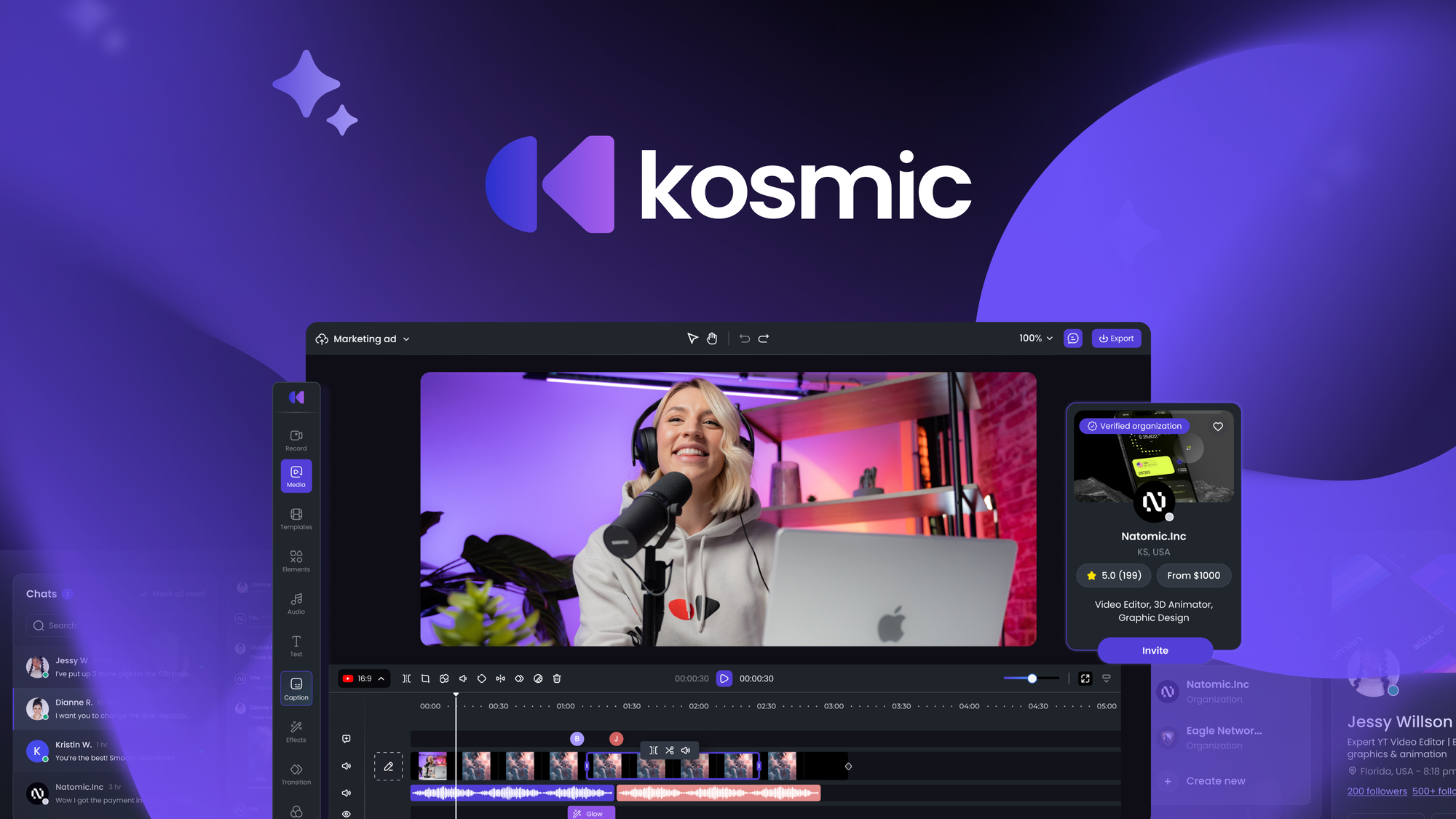
If you’re juggling video projects and wish you could speed things up without losing quality, Kosmic Ai might be the tool you need. It’s designed to help you create professional videos using AI, whether you want to generate new content or polish existing footage. You can hire creative talent directly through the platform or rely on AI to handle much of the heavy lifting. Plus, it includes handy project management features like custom workflows and real-time chat, so collaborating with your team feels smoother. It’s a solid option if you want to scale your video production without burning out.
What People Say
Users appreciate how Kosmic Ai combines AI video creation with real human talent, making it easier to handle complex projects without juggling multiple tools. The faceless video feature and project collaboration tools get special mentions, though some find the AI video generation a bit rough around the edges.
- I really like the interface and absolutely love the idea of using one tool to solve 10 problems. I won’t need to juggle 20 different software solutions for my business anymore. The ability to create my own videos with AI or edit existing projects, and, if needed, get help from professional creators for more complex videos, is just amazing. I particularly love the faceless videos. Kosmic can tell an entire story on its own using AI-generated images, videos, or just stock media. I’m currently using the basic video mode, and it’s been so much fun. It gives me exactly the story I want and allows me to look into all the video project elements so I can easily make changes if needed. You can only imagine the wonders it will do with AI images and clips. Highly recommend!– sara_
- The script I wrote (the AI was decent at improving) generated a storyboard… And under every video style it generated with NO images. Prompted me to upload my own. So what shall I do, use a separate AI image creator for every image to then load into the storyboard piece by piece? Then it’s a video slideshow. Perhaps the video editors find it more useful. Has a lot of working parts, that scored them from a 2 to a 3 taco. Sorry, no cigar on this one.– 106713735547723504927
Usability
| Aspect | Ease Level | Notes |
|---|---|---|
| User Interface | Moderate | Clean and intuitive, but some features can feel a bit overwhelming at first. |
| AI Video Generation | Moderate | Produces decent storyboards but may require manual input for images and fine-tuning. |
| Editing Tools | Easy | Basic editing is straightforward, though advanced features could use polish. |
| Collaboration | Easy | Built-in chat and workflow tools make teamwork smoother and more organized. |
| Learning Curve | Moderate | Some patience needed to get comfortable with all the features and AI quirks. |
Integration Capabilities
| Software | Integration Quality |
|---|---|
| YouTube | Basic – manual upload required after video creation |
| Social Media Platforms | Limited – no direct sharing, export and upload yourself |
| Creative Marketplaces | Good – easy access to hire professional creators within the platform |
Security Features
| Feature | Protection Level |
|---|---|
| Data Privacy | Standard – complies with common data protection regulations |
| User Authentication | Basic login security to keep your projects safe |
Why You’ll Like It
- Generate professional videos using AI or hire creative talent
- Edit and customize video projects with ease
- Collaborate smoothly with built-in project management tools
- Create faceless videos using AI-generated images and stock media
- Manage workflows and communicate in real time within the platform
Current Price: $79
Rating: 2.8 (total: 7+)
QuickReel

When you’re swamped with long videos and need quick, shareable clips, QuickReel steps in like a helpful assistant. It uses AI to chop down your lengthy footage into punchy reels with captions and effects, saving you tons of editing time. Whether you’re managing social media content or juggling multiple campaigns, this tool helps you keep your workflow smooth without the usual headache. Plus, its text-to-video feature lets you create clips from simple prompts, which is pretty handy when you want to whip up something fast. It’s a solid pick if you want to boost productivity without getting lost in complicated software.
What People Say
Users find QuickReel especially helpful for turning lengthy footage into social media-ready clips quickly. The AI editing is praised for being straightforward and effective, making it a favorite among content creators who want to save time without sacrificing quality.
- QuickReel is a fantastic AI tool that makes creating social media content super easy. It takes long videos and quickly turns them into short and exciting clips. This not only saves time but also makes the editing process fun. The platform is very simple to use, so anyone can make great-looking videos, no matter their tech skills. I especially love how QuickReel keeps the core message of the original video while making it shorter and more shareable. The clips look amazing and are perfect for any social media platform. Whether you’re a content creator, marketer, or just someone who likes to share videos, QuickReel helps you grab attention without the hassle of complicated editing.– Redoan_Kawsar
- I bought them mainly for the AI editing function, and I am very satisfied; it does exactly what it is supposed to do to perfection!– bigrichhh99
Usability
| Aspect | Ease Level | Notes |
|---|---|---|
| User Interface | Easy | Clean and straightforward, so you can jump right in without confusion. |
| AI Editing | Easy | Automates most of the heavy lifting, making video clipping a breeze. |
| Text-to-Video | Moderate | Simple prompts work well, though some trial and error might be needed. |
| Video Rendering Speed | Moderate | Rendering can take some time, especially for longer clips. |
| Learning Curve | Easy | Most users get comfortable quickly, even without prior video editing experience. |
Integration Capabilities
| Software | Integration Quality |
|---|---|
| YouTube | Basic – requires manual upload after video creation |
| Social Media Platforms | Limited – no direct sharing, but easy export options |
| APIs | Available for enterprise plans, enabling bulk video processing |
Security Features
| Feature | Protection Level |
|---|---|
| Data Privacy | Standard – follows common data protection practices |
| User Authentication | Basic login security to protect your projects |
Why You’ll Like It
- Transforms long videos into short, engaging clips with captions and effects
- Simple AI-powered editing that anyone can use, no tech skills needed
- Text-to-video feature lets you create clips from easy prompts
- Saves you hours of manual editing, perfect for busy creators
- Keeps the original message clear while making content more shareable
Current Price: $69
Rating: 3.6 (total: 6+)
FAQ
How Do I Choose The Right Video Creation Platform To Boost My Productivity?
When selecting a video creation platform, consider your specific needs such as the type of content you create, your budget, and the features that matter most to you. Look for platforms that offer automation for repetitive tasks like clipping, captioning, and publishing to save time. Check if the tool supports multiple formats and platforms to maximize your reach. Also, pay attention to user reviews about reliability, customer support, and ease of use. For example, if you want AI-powered editing and content repurposing, platforms like Taja or Alphana might suit you. If you need simple screen recording with editing, ScreenToVideo or AWZ Screen Recorder could be better. Always try demos or free trials when available to ensure the platform fits your workflow.
What Are Common Challenges When Using AI-Powered Video Creation Tools, And How Can I Overcome Them?
AI-powered video tools can sometimes produce inconsistent results, such as inaccurate captions, slow rendering, or limited customization options. To overcome these, you should provide clear input and be prepared to make manual adjustments when necessary. Keep your source videos well-edited and high quality to improve AI output. Also, stay updated with platform improvements, as many tools frequently release updates to address bugs and add features. Engaging with customer support and community forums can help you troubleshoot issues quickly. Remember, AI tools are designed to assist, not replace your creative judgment, so use them to speed up your workflow but review the final output carefully.
How Can I Maximize The Efficiency Of My Video Production Using These Platforms?
To boost your productivity, leverage features like automatic clipping, caption generation, and platform-specific formatting that many of these tools offer. Upload longer videos and let the platform generate multiple short clips or social posts automatically. Use scheduling and publishing integrations to manage your content calendar seamlessly. Customize templates and presets to maintain brand consistency without starting from scratch each time. Additionally, organize your assets and workflows within the platform if supported, so you can quickly access and reuse content. Finally, invest time in learning the platform’s shortcuts and best practices through tutorials or webinars to get the most out of your investment.
Wrapping Up
Choosing the right video creation platform can transform how you produce content. The nine platforms highlighted here each bring unique strengths, whether it’s AI-powered editing, screen recording, or content repurposing. By leveraging these tools, you can reduce manual work, create professional-quality videos faster, and maintain a consistent presence across multiple platforms. Explore the options that best fit your needs and watch your productivity and content quality improve.
| Product | Image | Rating | Highlights | Pros | Cons | Price |
|---|---|---|---|---|---|---|
| Taja |
|
4.69/5 (159 reviews) | AI-powered video optimization, automatic thumbnail generation, SEO enhancements. | Time-saving automation, user-friendly interface, great for content creators. | Limited video upload minutes, some features still in development. | $59 |
| ScreenToVideo |
|
4.83/5 (101 reviews) | Screen recording, video editing, webcam capture. | Comprehensive editing tools, easy to use, good for tutorials. | Slow rendering times, some bugs reported. | $59 |
| Alphana |
|
4.85/5 (100 reviews) | AI content generation, video repurposing. | Saves time on content creation, great templates. | User interface needs improvement. | $69 |
| Animazer |
|
4.55/5 (42 reviews) | Create intros and outros, easy-to-use templates. | Quick video creation, user-friendly. | Limited customization options. | $25 |
| Reap |
|
4.52/5 (31 reviews) | AI-powered video clipping, caption generation. | Generates shorts quickly, good for social media. | Limited editing features, some bugs reported. | $69 |
| AWZ Screen Recorder |
|
3.07/5 (15 reviews) | Multiple recording modes, basic editing tools. | Lightweight and intuitive, good recording quality. | License issues, poor customer support. | $9 |
| Kubrix AI |
|
1.89/5 (9 reviews) | AI video generation, customizable templates. | Innovative concept, potential for improvement. | Many bugs, poor video quality. | $59 |
| Kosmic AI |
|
3/5 (7 reviews) | AI video editing, collaboration tools. | Streamlines video production, good for teams. | Oversized logos on videos, lacks features. | $79 |
| QuickReel |
|
3.83/5 (6 reviews) | AI-powered video transformation, caption generation. | Easy to use, good for social media content. | Credit system limits usage, needs improvements. | $69 |
Some Roundups users participate in affiliate programs including the Amazon Services LLC Associates Program, or Impact, affiliate advertising programs designed to provide a means for creators to earn fees by linking to websites. Participating users may earn a referral commission from qualifying purchases.
